
Habit stacking, made practical
When one habit is done, ThenThat can trigger the next one so your routine keeps moving.
Habit tracking for real schedules
ThenThat helps you stay consistent with habit stacking, flexible schedules, and reminders that show up when they matter.

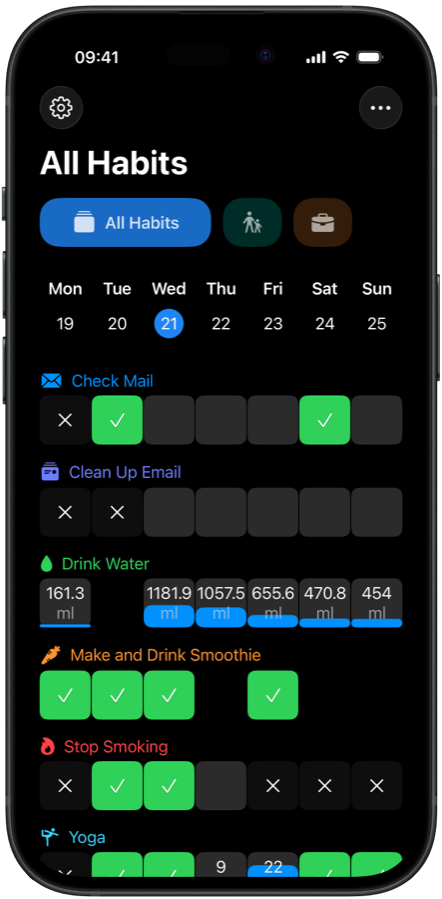
When one habit is done, ThenThat can trigger the next one so your routine keeps moving.
Set habits for day, week, month, or year. Perfect for goals like 3 times per month.
Track done habits, avoid habits, quantity targets, and less-than limits in one system.
Use time, location, health events, or after-habit triggers to get reminded at the right moment.
Then this, then that
Example flow: After Morning Walk, Then Stretching. Your next action appears right after your last one.
No. You can schedule habits by day, week, month, or year.
Yes. Quantity goals can be set for day, week, or month targets.
You can trigger reminders such as After Morning Walk, Then Stretching.
Yes. You can use selected health events in your habit reminder logic.